
Key facts
- Manuals
- 2
- Languages
- ZH
- Last added
- 2026-10-03
Featured Sena manuals
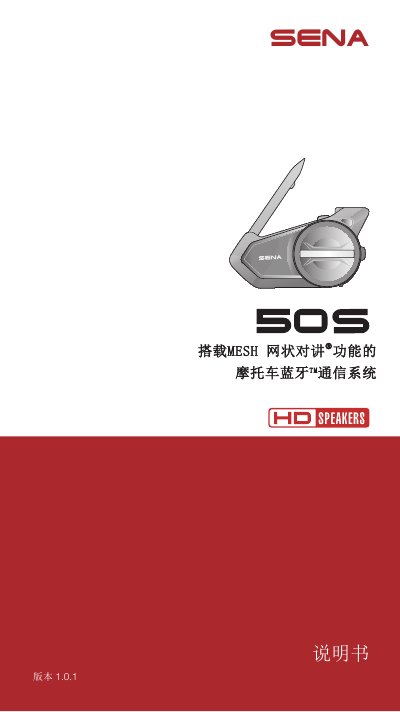
Sena Mesh 50S Wireless Earbuds User Manual
This manual introduces the Sena Mesh 50S wireless earbuds, describing the hardware features such as the LED indicator, 3.5 mm audio jack, MP3 playback support, Bluetooth A2DP profile, GPS and FM radio capabilities. It also explains the Mesh networking function that allows multiple devices to communicate.
The guide walks users through installation, pairing with the Sena 50 Utility app, configuring audio and FM settings, performing firmware updates, and troubleshooting common issues. Detailed instructions are provided for each feature, including the use of Siri/Google voice assistants and the Mesh group settings. This manual is written in Chinese.
Covers: Product Overview · Installation and Setup · Mesh Network Function · Audio Settings · FM Radio Operation · Firmware Update
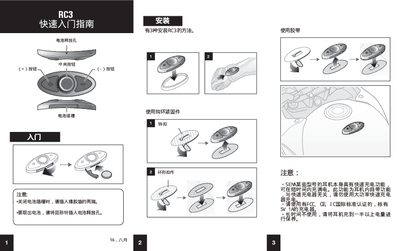
SENA RC3 Wireless Earphone Controller User Manual
This manual explains how to charge and operate the SENA RC3 wireless earphone controller. It includes step‑by‑step instructions for connecting the controller, using the charging port, and interpreting the battery level indicator.
The document also covers safety and regulatory information, noting that the controller complies with FCC, CE, and IC standards and must be charged with a 5 V / 1 A charger. Battery care tips and compatibility notes for various headsets are provided. This manual is written in Chinese.
Covers: Charging · Operation · Safety Precautions · Compatibility · Battery Level Indicator · Regulatory Compliance
Latest Sena manuals
Sena Mesh 50S Wireless Earbuds User Manual
User Manual 59 pages · 19.2 MB · ZHThe Sena Mesh 50S wireless earbuds user manual provides product overview, setup, feature settings, Mesh networking, FM radio usage, firmware updates, and…
SENA RC3 Wireless Earphone Controller User Manual
User Manual 2 pages · 1.7 MB · ZHThe SENA RC3 wireless earphone controller user manual provides charging, operation, safety, and compatibility instructions.
Which document do I need?
User Manual
Day-to-day operation, settings and troubleshooting. Start here if the product is already set up.
Questions answered in Sena manuals
How do I update the firmware on the Mesh 50S?
Use the Sena 50 Utility app to download and install the latest firmware version.
How does the battery level indicator display charge status?
It shows three ranges: 70 %–100 %, 30 %–70 %, and 0 %–30 %.