
This manual covers the operation, testing procedures, maintenance, and calibration of the SCS Static Sensor 718 for measuring surface static voltage.
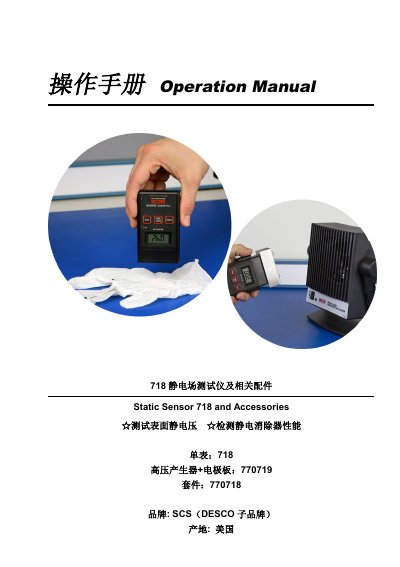
The SCS Static Sensor 718 is a handheld device used to measure non-contact surface static voltage. It can also be paired with an accessory high-voltage generator and electrode plate to test the performance of static eliminators, such as ionizing air blowers. The manual provides instructions on how to operate the sensor, including power management, range selection, zeroing, and reading display values.
The document details specific procedures for testing static voltage on objects and evaluating the ion balance and discharge time of static eliminators. It also includes sections on instrument maintenance, cleaning protocols using isopropyl alcohol, calibration steps using a standard DC high-voltage power supply, and warranty information.
| Test Distance | 1 inch |
|---|---|
| Low Range Scale | 0 ~ ±1.999KV |
| High Range Scale | 0 ~ ±19.99KV |
| Low Range Resolution | 0.001KV |
| High Range Resolution | 0.01KV |
| Test Accuracy | ±5% +/- 2 digits |
| Sampling Rate | 3 per second |
| Output Signal Range | 0~2V analog signal |
| Power Supply | 9V battery |
| Operating Temperature | 10°C–30°C |
After turning on, switch to low range and hold the 'RANGE/ZERO' key until the display shows '.000'.
Press the 'HOLD' key once to lock the reading, and press it again to unlock.
The screen displays 'BAT' when the battery voltage drops below 6.5V.
Place the sensor on a grounded metal stand, zero it at low range, then connect a +1000V source to verify accuracy within ±5%.