
SAS 9.1.3 Foundation for Microsoft Windows Software Renewal Instructions

Instructions for renewing SAS 9.1.3 Foundation software using SAS Installation Data via the Renew SAS Software tool or SAS Administrator Wizard.
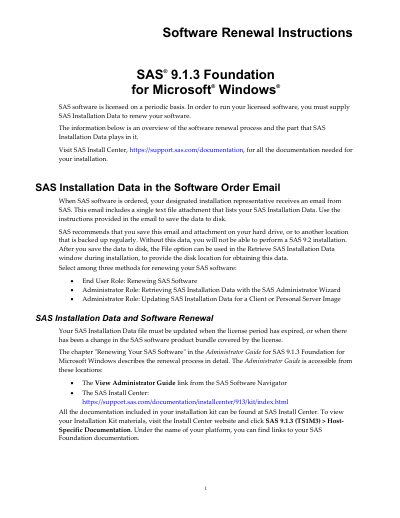

SAS 9.1.3 Foundation for Microsoft Windows Software Renewal Instructions - cover page
Brand
SAS
Category
Other software
Document type
User Manual
Language
English
Pages
3
File format
PDF
File size
308 KB
Published
22 November, 2026
Updated
22 November, 2026
Model
9.1.3
MD5 checksum
0C7BC2993420779462B485F2DD956F8C

About this manual

This document provides an overview of the software renewal process for SAS 9.1.3 Foundation for Microsoft Windows. It explains the role of SAS Installation Data in maintaining the license and outlines the steps required to renew the software for both End Users and Administrators. The guide details how to retrieve and apply installation data using the Renew SAS Software utility or the SAS Administrator Wizard.

What's inside

  • SAS Installation Data
  • Renewing SAS Software
  • End User Role
  • Administrator Role
  • SAS Administrator Wizard
  • Updating Installation Data
  • Temporary SID File

Frequently asked questions

What is required to run licensed SAS software?

You must supply SAS Installation Data to renew your software.

How can an End User renew their SAS software?

An End User can use the Renew SAS Software tool from the Start menu or the sasrenew.exe file.

What must be done after renewing SAS software?

All SAS Servers and SAS Spawners must be restarted for new expiration dates to take effect.

How long does a temporary SID file extend the license?

A temporary SID file extends the use of licensed SAS software for 15 days.

Download PDF (308 KB)

More SAS Manuals


View all SAS manuals →