
This owner's manual covers features, installation, operation, settings, maintenance, and troubleshooting for the SANYO PLC-XU41, PLC-XU47, and PLC-XU48…
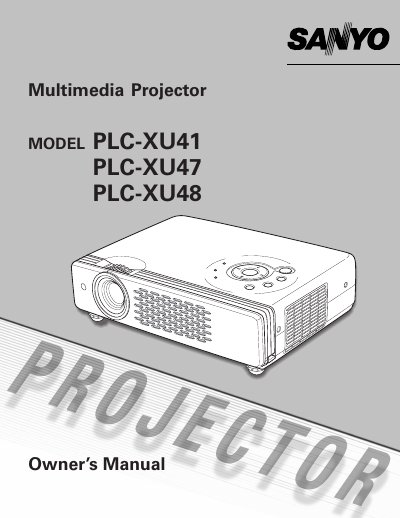
The document serves as a comprehensive guide for the SANYO Multimedia Projector models PLC-XU41, PLC-XU47, and PLC-XU48. It details features such as compact design, compatibility with various video and computer signals, digital zoom, keystone adjustment, and power management functions.
| Resolution Support (PLC-XU48) | UXGA resolution |
|---|---|
| Digital Zoom Expansion | approx. 16 times of screen size |
| Color Palette | 16.77 million colors |
| Menu Languages | 12 languages |
Yes, the Blackboard function can be used as a projection screen, but the board color is limited to Green.
Eyedamage could result, so you should not stare directly into the lens.