
This document provides operating instructions for the VPC-CG11EX, VPC-CG11, VPC-CG11GX, and VPC-CG11PX dual cameras, including preparation, shooting, playback, and file copying to a computer.
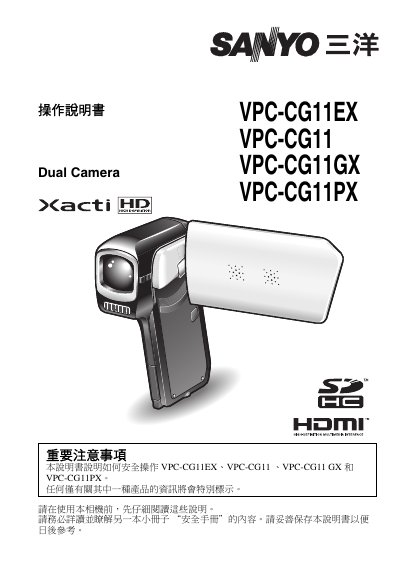
This Sanyo operating manual covers the VPC-CG11EX, VPC-CG11, VPC-CG11GX, and VPC-CG11PX dual cameras. It explains how to safely operate the camera, with details for individual models marked where applicable.
Topics include preparing the camera, shooting photos and videos, playback, copying files to a Windows XP computer, and other settings and connections. The manual also includes FAQs and troubleshooting for camera operation questions. This manual is written in Chinese.
Check the FAQ on page 165 and the Troubleshooting section on page 173.
Read this manual carefully and keep it properly for future reference.
Connect the camera to the computer with the supplied USB cable, turn on the camera, and select Mass Storage on the camera screen.