
This guide explains how to activate and set up eSIM connectivity on the Samsung Galaxy Watch LTE, including pairing steps, carrier QR code scanning, and…
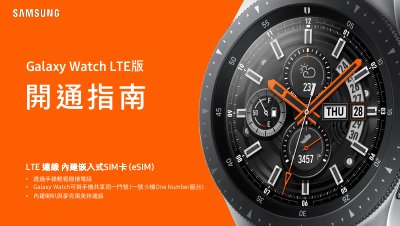
This document provides step-by-step instructions for activating the eSIM feature on the Samsung Galaxy Watch LTE. It covers the prerequisites for the smartphone, the pairing process using the Galaxy Wearable app, and the specific procedure to scan a carrier's QR code to download eSIM data. This manual is written in Chinese.
e-SIM service embeds the SIM chip directly into the device, allowing users to switch carriers without changing a physical SIM card.
Yes, you can delete the existing e-SIM data and download new e-SIM data using a QR code from the new carrier.
Currently, Chunghwa Telecom, AP Telecom, Taiwan Mobile, and FarEasTone offer e-SIM services.
Press and hold the Home key (Power key) for more than 7 seconds to restart.