
This manual provides operating instructions, menu settings, and troubleshooting for the Sai MP5 digital media player supporting music, video, and image…
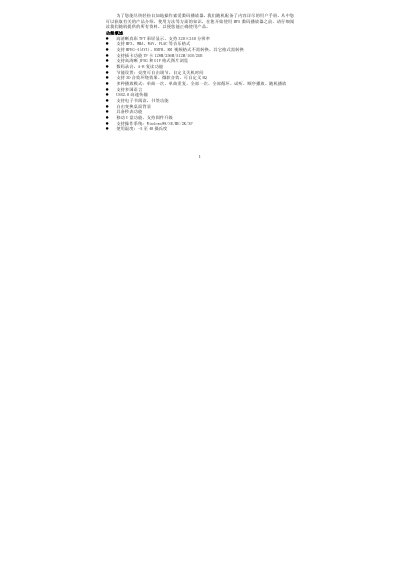
This user manual covers the Sai MP5 digital player, detailing its features such as high-resolution TFT display, support for MP3, WMA, and video formats, and TF card expansion. It explains how to operate the device, including power on/off, connecting to a computer via USB, and navigating the main interface for music, video, and image playback. This manual is written in Chinese.
| Screen Resolution | 320x240 |
|---|---|
| Supported Music Formats | MP3, WMA, WAV, FLAC |
| Supported Video Formats | MPEG-4(AVI), RMVB, RM |
| Supported Image Formats | JPEG, GIF |
| TF Card Capacity | 128M/256M/512M/1GB/2GB |
| Operating System | Windows98/SE/ME/2K/XP |
| Operating Temperature | -5 to 40 Celsius |
To turn on, slide the power switch to ON or press the play button for 3 seconds. To turn off, press the play button for 3 seconds in the main interface.
Check if the player has power. Connect the power adapter again. If it still cannot start after charging, contact a dealer.
Connect the USB extension cable to the charger and plug the other end into the MP5's USB interface. Charging is complete when the battery icon shows full.