
Key facts
- Manuals
- 1
- Languages
- ZH
- Last added
- 2026-10-20
Featured SAI manuals
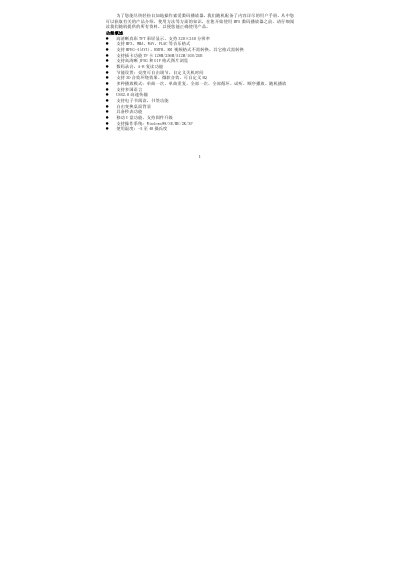
Sai MP5 Digital Player User Manual
This user manual covers the Sai MP5 digital player, detailing its features such as high-resolution TFT display, support for MP3, WMA, and video formats, and TF card expansion. It explains how to operate the device, including power on/off, connecting to a computer via USB, and navigating the main interface for music, video, and image playback. This manual is written in Chinese.
Covers: Function Overview · Precautions · Device Recognition · Button Function Definitions · Main Interface Display · Basic Operations
Latest SAI manuals
Sai MP5 Digital Player User Manual
User Manual 22 pages · 374 KB · ZHThis manual provides operating instructions, menu settings, and troubleshooting for the Sai MP5 digital media player supporting music, video, and image…
Which document do I need?
User Manual
Day-to-day operation, settings and troubleshooting. Start here if the product is already set up.
Questions answered in SAI manuals
How do I turn the device on and off?
To turn on, slide the power switch to ON or press the play button for 3 seconds. To turn off, press the play button for 3 seconds in the main interface.
What should I do if the player cannot start?
Check if the player has power. Connect the power adapter again. If it still cannot start after charging, contact a dealer.