
This user manual provides instructions for operating the Rode Wireless Go compact wireless microphone system, including pairing, charging, and audio settings.
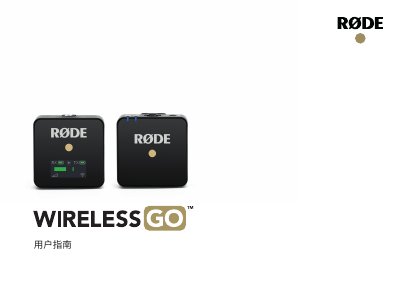
The Rode Wireless Go is a compact wireless microphone system operating in the 2.4GHz spectrum. The kit includes a transmitter with a built-in microphone and a receiver with a 3.5mm TRS output. The system features a standard 3.5mm TRS microphone input on the transmitter for compatible external microphones and a 3.5mm TRS input on the receiver for connecting to cameras or audio devices.
To operate the system, hold the power button for 3 seconds to turn on the receiver (RX) and transmitter (TX). The units will pair automatically and begin transmitting audio. The transmitter uses its built-in microphone by default, but can switch to an external microphone if one is plugged in. The receiver allows users to cycle through three audio output volume levels (0dB, -12dB, -24dB) using the 'dB' button. This manual is written in Chinese.
| Frequency Response | 50Hz-20kHz |
|---|---|
| Max Output | 100dBSPL(LkHz @ 1m) |
| Dimensions (TX) | 44 x 45.3 x 18.5 mm |
| Dimensions (RX) | 44 x 46.4 x 18.5 mm |
The Wireless Go is a compact wireless microphone system that operates on the 2.4GHz frequency.
The transmitter measures 44 x 45.3 x 18.5 mm and the receiver measures 44 x 46.4 x 18.5 mm.