
The Retsch EasySieve/EasySieve CFR Evaluation Software manual outlines features, system requirements, and basic operation for particle size analysis.
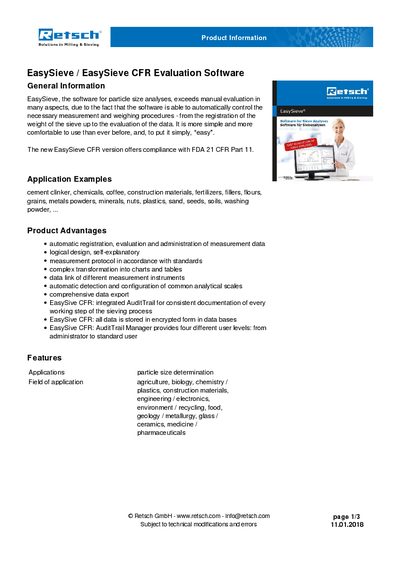
The EasySieve and EasySieve CFR evaluation software from Retsch provides automated control of sieve weighing and data evaluation, supporting compliance with FDA 21 CFR Part 11. It includes functions for parameter entry, automatic detection of mass proportions, and generation of standard particle‑size charts and tables.
The manual lists the supported Windows operating systems, minimum hardware specifications, required USB and RS‑232 interfaces, and optional network connections for automatic backups and remote support. It also details product advantages such as audit‑trail management, encrypted data storage, and LIMS integration.
| Supported operating systems | Windows XP (32‑bit), Windows 7/8 (32‑/64‑bit), Windows 10 (32‑/64‑bit) |
|---|---|
| Processor | Intel Core i5 |
| Minimum RAM (EasySieve) | 4 GB |
| Minimum RAM (EasySieve CFR) | 8 GB |
| Required hard‑drive space | 50 MB |
| USB interfaces | 2 × USB 2.0 or higher (software stick and sieve shaker) |
| RS‑232 / USB interface for scale | 1 |
| Network connection | Recommended for automatic backups and remote support |
EasySieve runs on Windows XP (32‑bit), Windows 7/8 (32‑ or 64‑bit) and Windows 10 (32‑ or 64‑bit).
Two USB 2.0 (or higher) ports are required—one for the software stick and one for the sieve shaker.
A network connection is recommended to enable automatic backups and remote support.