
This user guide covers the setup, operation, and specifications of the RØDE Wireless Go compact wireless microphone system operating on 2.4 GHz.
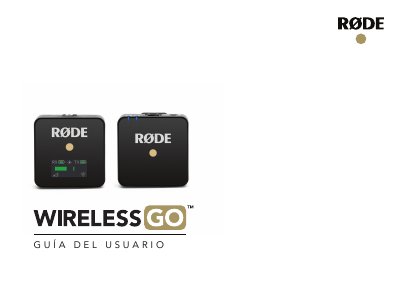
The RØDE Wireless Go is a compact wireless microphone system that operates in the 2.4 GHz band. The kit includes a transmitter with an internal microphone and a receiver featuring a 3.5 mm TRS jack output. It provides instructions for configuration, usage, and technical specifications. This manual is written in Spanish.
| Transmission Type | 2.4 GHz Agile Digital System |
|---|---|
| Maximum Output Level | +3dBu SPL maximum |
| Included Accessories | 2 windshields, 1 bag, 2 USB-A to USB-C cables, 1 SC2 cable |
Hold the power button for 3 seconds to turn on both the receiver (RX) and transmitter (TX).
Press the 'dB' button to cycle through three output levels: 0 dB, -6 dB, and -12 dB.
A double flashing LED indicates that the unit is charging via USB.