
User manual for the Razer RZ05-0474 gaming speakers, covering setup, PC and Bluetooth connection, controls, Razer Synapse, safety, and warranty.
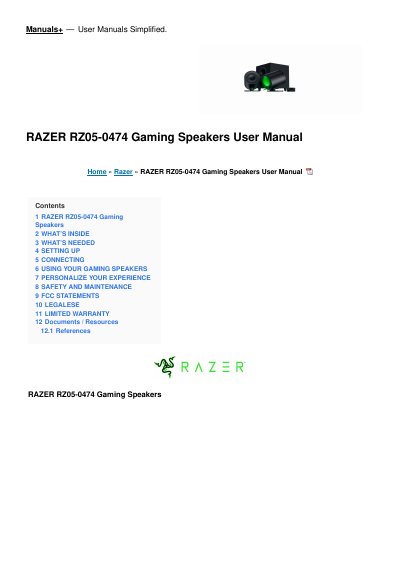
The Razer RZ05-0474 is a gaming speaker system that includes speakers, a subwoofer, and a Razer Wireless Control Pod. The manual lists the included USB Type A to USB Type C cable, regional power cords, 2 x AAA batteries, and Important Product Information Guide. It explains setup and connecting in PC mode or Bluetooth mode, including first-time Bluetooth pairing and automatic reconnection to a mobile device.
Operating instructions cover power on/off, switching between audio sources, and reactivating Bluetooth pairing mode for new devices. The manual also describes using Razer Synapse on Windows 10 64-bit or higher to switch audio sources, customize lighting, and personalize an EQ preset, followed by safety and maintenance guidelines, FCC and ISED statements, legal information, and limited warranty terms.
| Lighting | Rear-facing lighting powered by Razer Chroma RGB |
|---|---|
| USB port | USB Type C |
| Control pod battery | 2 x AAA batteries |
| Operating temperature range | 0°C (32°F) to 40°C (104°F) |
| Razer Synapse compatibility | Windows 10 64-bit or higher |
| First-time Bluetooth pairing distance | Within 1 meter of mobile device |
| Subwoofer bass port | Rear-facing |
Use PC mode and, when using compatible devices, set the Razer RZ05-0474 as its default output device if applicable.
Keep the gaming speakers within 1 meter of your mobile device during first-time pairing.
Once a month, clean each speaker and the subwoofer with a soft cloth or cotton swab to prevent dirt buildup.
Use the Razer Synapse app to switch audio sources, customize lighting, personalize an EQ preset, and adjust other advanced features.