
This document is the product manual of APEX 7 TKL, which mainly introduces the product features, appearance, usage methods, etc. of APEX 7 TKL.
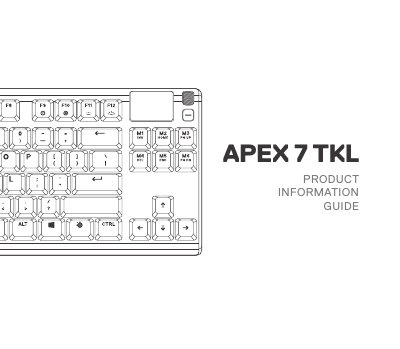
This document serves as a product information guide for the Razer Apex 7 TKL mechanical keyboard. It details the keyboard's key features, including an OLED Smart Display, a multimedia volume roller, and dedicated function keys for macro recording and profile switching. The guide also outlines the included accessories and system requirements.
| System Requirements (Windows) | Windows 7 – Windows 10 |
|---|---|
| System Requirements (Mac) | Mac OSX 10.8 – 10.12 |
| Installation Space | 120 MB of free hard drive space |
| Platform Compatibility | PC Mac Xbox One PS4 |
| Rated Voltage | 5V |
| Rated Current | 500mA |
You need to download SteelSeries Engine from steelseries.com/engine.
Yes, it is compatible with Mac OSX 10.8 – 10.12.
Press and hold the SteelSeries Function Key + Macro Recording Key for 3 seconds.