
A beginner‑friendly guide that walks you through Raspberry Pi hardware, OS installation, configuration, and simple projects.
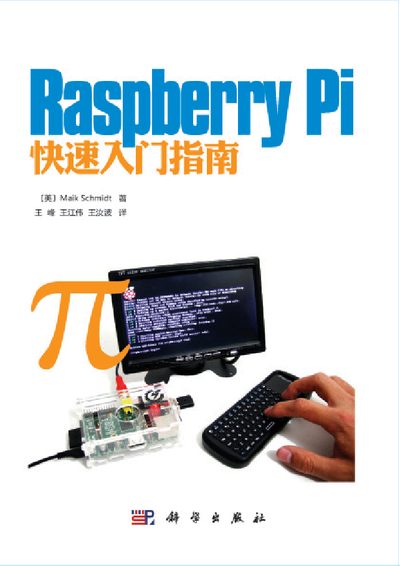
This guide introduces the Raspberry Pi mini‑computer, covering its hardware resources, required power supply, and how to prepare an SD card with an operating system. It then shows step‑by‑step procedures for installing Raspbian, configuring firmware, and connecting peripherals.
Later chapters explore practical applications such as turning the Pi into a kiosk, media center, or web server, and provide hands‑on projects using GPIO pins, digital and analog sensors, and accessories like the PicoBoard and official display. This manual is written in Chinese.
| Power supply voltage | 5 V |
|---|---|
| Power current (Model A) | 300 mA |
| Power current (Model B) | 700 mA |
| Recommended SD card capacity | ≥ 4 GB |
It requires a 5 V supply; Model A works with about 300 mA and Model B with about 700 mA, larger currents may be needed for many peripherals.
A minimum of 4 GB is recommended, with larger capacities providing more space for the operating system and applications.