
The Radlink GPS 2200 Positioning System User Manual provides setup, operation, and maintenance instructions for the orthopedic imaging system.
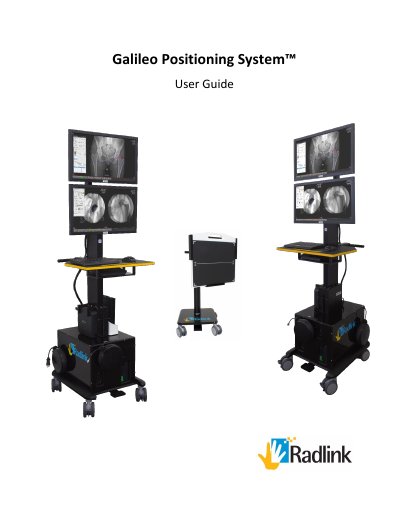
The Radlink Galileo Positioning System™ (GPS) is a computer‑based imaging solution that displays pre‑operative and intra‑operative images on two monitors. It supports both anterior and posterior THA procedures using a flat‑panel detector or C‑Arm, and integrates with the Surgeon’s Checklist™ software for measurements and documentation.
The manual covers system overview, technical specifications, power supply, start‑up steps, connection of video and network cables, usage instructions for each surgical approach, battery handling, shutdown, preventive maintenance, troubleshooting, and safety warnings.
| Model | GPS 2200 |
|---|---|
| Power Consumption | 80‑90 W (average) |
| Input Voltage | 110 V / 220 V (50‑60 Hz) |
| Dimensions | 20.3" W × 23.5" L × 67‑78" H |
| Weight | 206.6 lb (Image Console Cart), 84.6 lb (Bucky Cart) |
| Measurement Accuracy | 0.2 mm |
| Operating Temperature Range | 50 – 95 °F (10 – 35 °C) |
| Ingress Water Protection Rating | IP20 – No liquid protection |
Plug the power cord into an AC outlet, then press and hold the Power Button on the UPS until the UPS power indicator lights illuminate.