
Key facts
- Manuals
- 1
- Languages
- ZH
- Last added
- 2000-01-01
Featured 普联讯 manuals
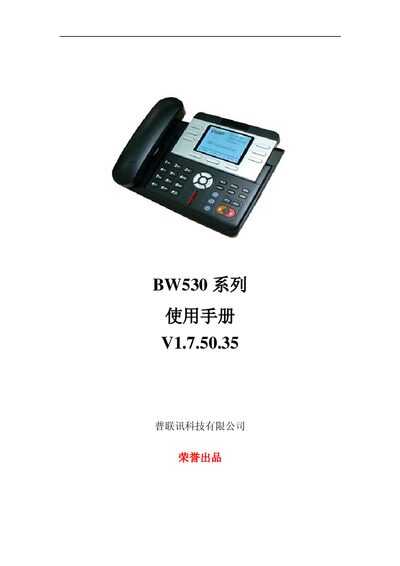
PuLian BW530 Series User Manual
This manual introduces the BW530 SIP‑compatible network phone, its hardware layout, key functions, and safety precautions. It guides users through unpacking, connecting power and network, and configuring basic settings.
Detailed chapters cover phone operation (calling, call transfer, hold, etc.), web‑based configuration, advanced network features, and maintenance procedures, followed by a comprehensive specifications appendix. This manual is written in Chinese.
Covers: Welcome and Product Overview · Hardware Description and Key Buttons · Connecting Power and Network · Quick Setup and Network Settings · Basic Phone Operations · Web Interface Configuration
Latest 普联讯 manuals
PuLian BW530 Series User Manual
User Manual 64 pages · 2.5 MB · ZHThe BW530 series network phone user manual provides safety instructions, setup steps, feature explanations, and technical specifications.
Which document do I need?
User Manual
Day-to-day operation, settings and troubleshooting. Start here if the product is already set up.
Questions answered in 普联讯 manuals
How do I connect the power supply to the BW530?
Connect the DC plug of the transformer to the BW530’s 5 V DC input, then plug the transformer’s AC plug into a power outlet to power on the device.
Can the BW530 be used as a router?
Yes, the BW530 can function as a broadband router when its WAN port is connected to a modem and the LAN port to a computer or other device.