
Quick reference guide for operating the Promax IR-281 thermal imaging camera, including power, battery, temperature measurement, freeze and auto power-off.
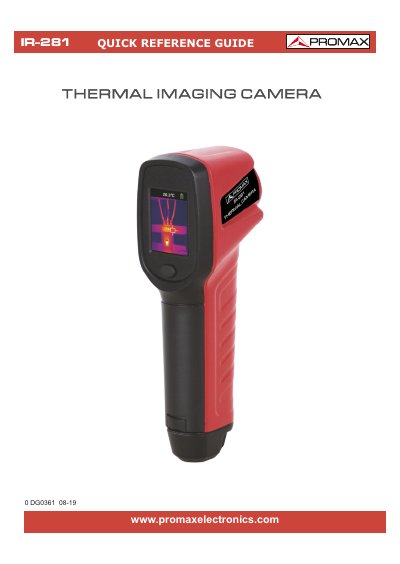
This quick reference guide covers basic operation of the Promax IR-281 thermal imaging camera. It explains the function keys, battery installation and replacement, and quick-start steps.
It also describes temperature measurement display limits, freezing and unfreezing images, and automatic power-off behavior after inactivity.
| Battery | 3 AAA batteries |
|---|---|
| Temperature display lower limit | Below -20°C (-4°F) displays <-20°C (<-4°F) |
| Temperature display upper limit | Above 150°C (302°F) displays >150°C (>302°F) |
| Automatic power-off | Screen blanks after 5 minutes without key operation; powers off after 30 seconds if not woken |
Press the marked button for more than three seconds.
Short press the power button to freeze the image, and short press it again to cancel the freeze.
Replace the batteries as soon as possible when the battery icon flashes.
It blanks the screen after 5 minutes without key operation and powers off after 30 seconds if not woken.