
User manual for the Prokit MT-1510 Pocket Smart Multimeter, covering safety, operation, symbols, and measurement procedures.
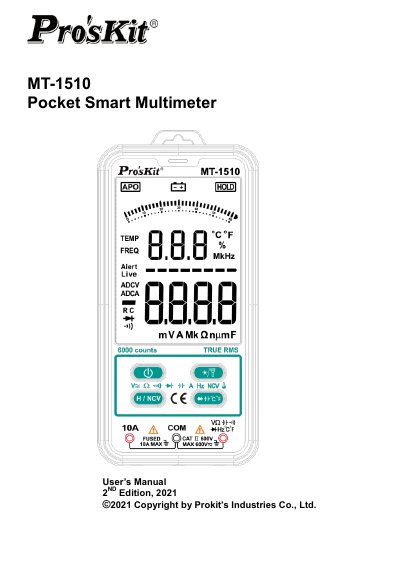
The Prokit MT-1510 Pocket Smart Multimeter is a pocket smart multimeter with stable performance, high precision, low power consumption, novel structure, safe and reliable. It can intelligently measure DC voltage, AC voltage, resistance, connectivity, DC current, and AC current, and can manually measure capacitance, diode, and temperature; it also includes non-contact voltage detection.
This manual includes safety instructions, safety operation specifications, display symbols, safety symbols, a schematic diagram of the meter, and operation methods for voltage, resistance, connectivity, diode, capacitance, temperature, non-contact voltage detection, and current measurement.
| Safety standard | IEC61010 |
|---|---|
| Over-voltage category | CAT II 600V |
Press the ℃℉ key to switch to diode test mode, connect the test leads to the positive and negative poles of the diode, and the meter displays the forward bias value; reversed polarity displays OL.
Promptly replace the battery when the battery under voltage indicator appears.
Long press the backlight/LED flashlight key for about 2 seconds.
Press and hold the H/NCV key, then bring the meter's non-contact voltage sensing area within less than 5mm of the AC voltage wire.