
PowerColor RX 6700 XT Red Devil graphics card quick installation guide covering hardware setup, drivers, and ARGB LED connection.
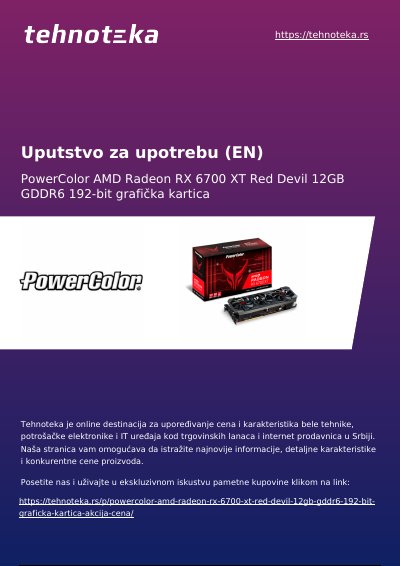
This quick installation guide covers the PowerColor AMD Radeon RX 6700 XT Red Devil 12GB GDDR6 192-bit graphics card. It lists package contents, system requirements, hardware installation steps, and driver installation instructions.
The document also describes the multiple BIOS switch, AMD Radeon Software features such as WattMan and ReLive, and Addressable RGB (ARGB) LED cable connection using a 3-pin header rated at 3A (5V).
| Graphics memory | 12GB GDDR6 |
|---|---|
| Memory interface | 192-bit |
| Expansion slot | PCI Express x16 |
| Operating system | Linux/Windows 10 |
| ARGB power rating | 3A (5V) |
| ARGB cable length | 2 meters |
The graphics card supports Linux and Windows 10.
The ARGB LED header supports a maximum power rating of 3A (5V).
PowerColor drivers are available at https://www.powercolor.com/downloads.