
PowerColor Quick Installation Guide
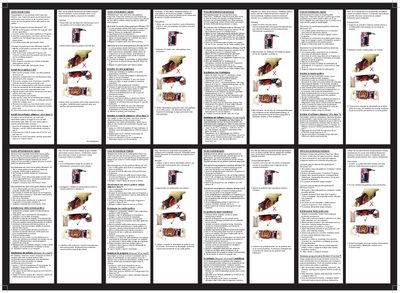
The Quick Install Guide walks you through removing any existing graphics drivers, installing the PowerColor graphics card, and setting up the accompanying software. It is written in several languages but the core instructions are the same for all users.
Key steps include shutting down the PC, removing the old driver via Add/Remove Programs, physically mounting the card in the appropriate PCI‑Express slot, reconnecting cables, and running the ATI installation CD to choose Express or Custom installation.