
Quick start guide for Platinum Tools Cable Prowler™ TCB300 and TCB360K1 cable testers with instructions for network, coax, and telephone cable testing.
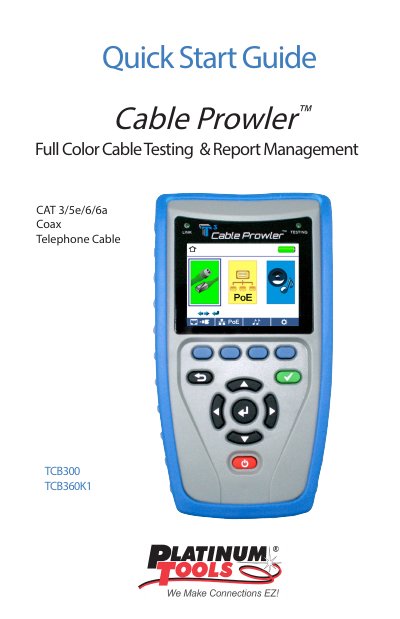
This guide explains how to use the Cable Prowler™ TCB300 and TCB360K1 for testing network, coax, and telephone cables. It covers basic operations like powering on the device, connecting cables, and performing tests. The guide also includes instructions for tone generation, network/PoE detection, and saving test results.
The included kits contain various remote sets and adapters for different cable types. The device can be connected to a PC via Micro USB to transfer test results using the application software available on the manufacturer’s website.
It will damage the Cable Prowler’s RJ45 jack. Use the included RJ adapter patch cable instead.
Press the save icon, use the arrow buttons and enter button to name the file, then press the save icon again.