
This manual provides operating instructions, feature descriptions, and technical specifications for the Philips VTR9800 conference terminal.
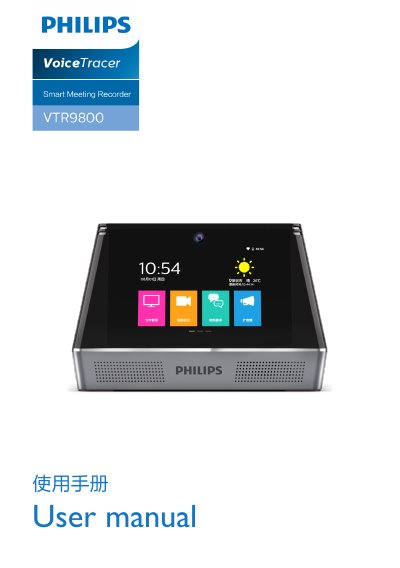
The Philips VTR9800 is a multifunctional conference terminal designed to facilitate efficient meetings. Key features include high-definition video conferencing with noise suppression, real-time business translation supporting 60 languages, file management for various document types, and an integrated speakerphone system. The device supports dual screens, multiple connectivity options including HDMI and VGA, and allows for screen mirroring from mobile devices. This manual is written in Chinese.
| Operating System | Android 7.0 |
|---|---|
| Battery Capacity | 5000mAh |
| Display Size | 7 inch (1024*600 IPS) *2 |
| Charger Input | 12V/2.5A |
| Memory (Flash) | 16G |
| WiFi Support | 2.4/5.0G Dual Band, 802.11ac/b/n/g |
| Camera Resolution | Dual 5MP Industrial Grade Cameras |
The device supports real-time simultaneous interpretation for 60 different languages.
The device comes with 16G of Flash memory.
Press and hold the power button until the Philips shield logo appears on the screen.