
User manual for the Philips VTR5200 digital voice recorder, covering recording, playback, music and FM modes, settings, FAQ and specifications.
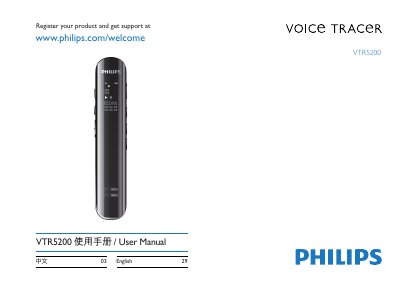
This manual is for the Philips VTR5200 digital voice recorder. It describes product features such as digital noise reduction, a high-quality speaker, MP3/WAV recording, USB 2.0 access, voice-activated recording and use as a USB storage device.
It also explains getting started, recording, voice and music mode, music mode, FM mode, system settings, frequently asked questions and technical parameters. This manual is written in Chinese.
| Reference recording time (8GB) | About 48 hours (digital noise reduction), 11 hours (PCM), 136 hours (high quality), 2228 hours (long time) |
|---|---|
| Internal memory | NAND Flash |
| PC storage | Yes (USB mass storage) |
| Recording time on full battery | Approx. 12 hours |
| Dimensions | 20 x 110 x 12 mm |
| Weight | 28 g (including battery) |
| Operating system | Windows 7/8/10/Vista/XP/2000, Mac OS X, Linux |
| Interface | USB |
| Recording formats | MP3 / WAV |
| Recording modes | HP 128 kbps MP3; PCM 1536 kbps WAV; LP 8 kbps MP3; N.R 384 kbps WAV |
| Operating temperature | 5 C to 45 C |
| Humidity | 10% to 90%, non-condensing |
| Power | Built-in lithium battery |
| USB | USB 2.0 |
The battery is empty, please recharge promptly.
Exceed the maximum file number or the device’s storage is full, please delete some recordings or move them to other storage devices.
Please recharge the battery as it has run out power.
Please unplug the headset and adjust the speaker volume, as it may have been set to the minimum value.