
This user manual provides instructions for operating the Philips VTR5100 digital voice recorder, covering recording, playback, settings, and technical…
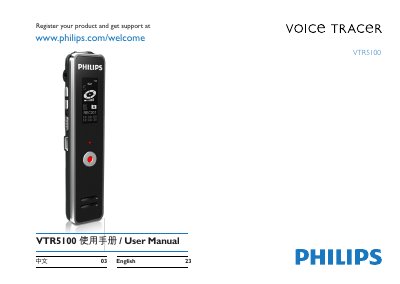
This document is the user manual for the Philips VTR5100 digital voice recorder. It guides users through product registration, safety precautions, and the physical layout of the device. The manual details how to power the device on and off, connect it to a computer for charging and data transfer, and navigate the menu system to switch between voice and music modes. This manual is written in Chinese.
| Internal Memory Type | NAND Flash |
|---|---|
| Recording Time (8GB) | Approx 12 hours |
| Dimensions | 22.7 x 97.6 x 14.8 mm |
| Weight | 40 g |
| Operating Temperature | 5° – 45° C |
| Air Humidity | 10% – 90%, non-condensing |
| Compatible Operating Systems | Windows 7/Vista/XP/2000, Mac OS X, Linux |
Please recharge the battery promptly.
Please recharge the battery as it has run out power.
The maximum file number may have been exceeded or the device's storage is full.
Unplug the headset and adjust the volume of the speaker.