
Philips TAX2208 Party Speaker 2000 Series user manual with setup, Bluetooth and USB playback, lighting, TWS pairing, microphone controls, and troubleshooting.
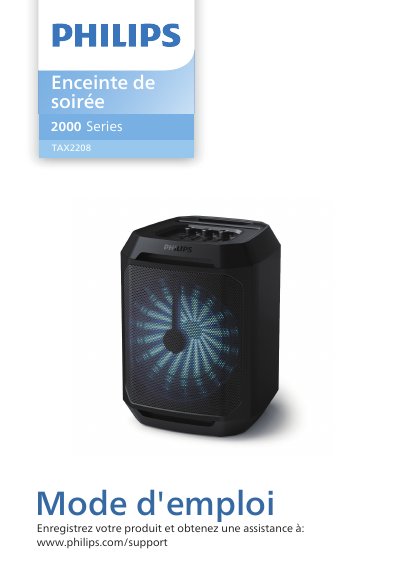
This is the user manual for the Philips TAX2208 Party Speaker 2000 Series. It explains how to charge the built-in battery, turn the speaker on and off, and connect devices using Bluetooth, an audio input, or USB.
It also covers lighting effects, TWS pairing of two identical TAX 2208 speakers, microphone volume and echo adjustment, USB firmware updates, safety instructions, and troubleshooting. This manual is written in French.
| Operating temperature | 0°C to 45°C |
|---|---|
| Power adapter output | Under 15W |
| Battery charge indicator | 4 white LEDs |
| Charging input | Type-C 5V |
| Audio input jack | 3.5 mm |
| Battery level display | 20%, 50%, 80%, 95%, 100% |
Press and hold the button to turn the speaker on or off.
Yes, press the button to enter TWS pairing mode; this mode works only with two identical TAX 2208 speakers.
Use the speaker in an environment between 0°C and 45°C.
Briefly press the button to show the current battery level on the LED indicators.