
User manual for the Philips 5000 Series TAT5505 true wireless earphones, covering charging, Bluetooth pairing, controls, ANC, reset, and technical data.
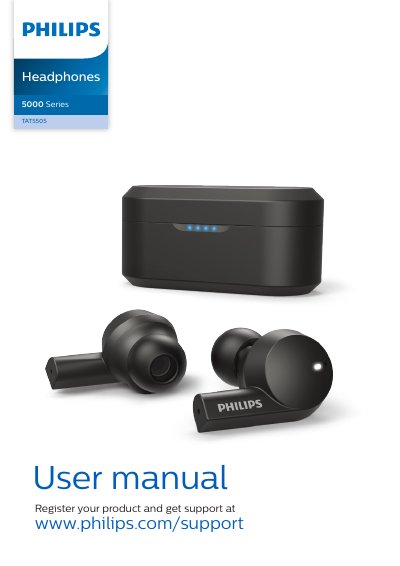
The Philips 5000 Series TAT5505 true wireless earphones user manual begins with important safety instructions and hearing safety, then describes the earpieces, charging box, and box contents. The box contents include the Philips TAT5505 earphones, three pairs of replaceable rubber ear caps, a USB-C charging cable, a quick start guide, a global warranty, and a safety leaflet.
The manual explains charging, first-time Bluetooth pairing in stereo or mono mode, touch controls for calls and music, ANC and Awareness modes, LED indicator status, voice assistant use, resetting the earpieces, technical data, and notices.
| Music and talk time with ANC enabled | 4.5 hours |
|---|---|
| Music and talk time with ANC disabled | 5 hours |
| Standby time | 200 hours |
| Charging time | 2 hours |
| Earpiece battery | Lithium-ion 50 mAh each |
| Charging box battery | Lithium-ion 410 mAh |
| Bluetooth version | 5.1 |
| Audio codec | SBC |
| Frequency range | 2.402-2.480 GHz |
| Transmitter power | < 5 dBm |
| Operating range | Up to 10 meters (33 feet) |
| Charging port | USB-C |
Before first use, place the earpieces in the charging box and charge the battery for 3 hours for optimum battery capacity and lifetime.
On your Bluetooth device, select Philips TAT5505; if prompted, enter the password 0000 (four zeros).
Tap and hold the multi-function touch for more than 25 seconds on each earpiece individually, return the earpieces to the charging box, and close the lid.