
Philips TAT3217 true wireless headphones user manual covering safety, charging, Bluetooth pairing, controls, reset, and specifications.
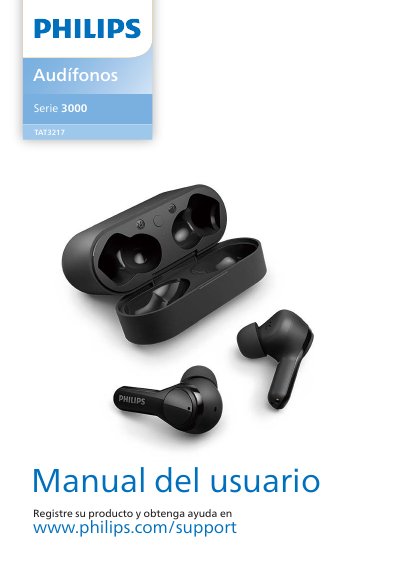
This user manual for the Philips TAT3217 truly wireless headphones explains hearing safety and general precautions, box contents, headphone controls and LED indicators, charging the headphones and charging case, choosing earpads, and Bluetooth pairing. It also describes mono and stereo use and pairing with another Bluetooth device.
The guide covers music and call controls, voice assistant use, LED status, resetting the headphones, technical data, notices, and frequently asked questions. It includes operating and storage temperature and humidity limits and notes that the charging case can provide three full recharge cycles. This manual is written in Spanish.
| First-use charging time | 2 hours |
|---|---|
| Typical full charging time | About 2 hours for the headphones or charging case |
| Charging case backup capacity | 3 full recharge cycles for the headphones |
| Earpad sizes | 3 sizes: large, medium, small |
| Paired device memory | 4 Bluetooth devices |
| Operating temperature | 0 °C to 45 °C |
| Storage temperature | -20 °C to 50 °C |
| Operating and storage humidity | Up to 90% relative humidity |
| Pairing password | 0000 (4 zeros) |
| Charging port | USB Type-C |
Place the headphones in the charging case and charge the battery for 2 hours before first use.
Open the charging case lid and hold the pairing button for about 3 seconds; the LEDs on both headphones flash white and blue alternately.
Enter 0000, four zeros. Devices with Bluetooth 3.0 or higher do not require a password.
The headphones can store 4 devices in memory; when pairing more than 4, the most recent replaces the first.