
User manual for Philips TAT3217 3000 Series true wireless headphones, covering charging, pairing, controls, LED indicators, reset, and troubleshooting.
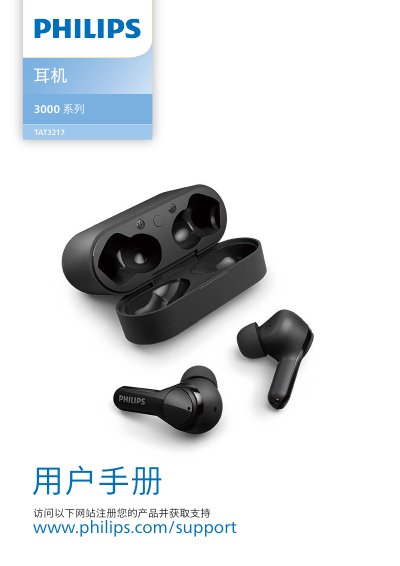
This user manual covers the Philips TAT3217 3000 Series true wireless headphones. It explains safety and hearing precautions, package contents, charging, wearing, Bluetooth pairing, controls in stereo and mono modes, LED indicators, reset, technical data, compliance, and troubleshooting.
The headphones support wireless calls and music control. The manual also describes charging times, included ear tip sizes, pairing limits, LED status meanings, and common Bluetooth connection issues. This manual is written in Chinese.
| Charging time | 2 hours |
|---|---|
| Charging case capacity | 3 full charges for the headphones |
| Included ear tips | 3 sizes (S, M, L) |
| Bluetooth pairing password | 0000 |
| Paired device memory | 4 devices |
| Operating temperature | 0°C to 45°C |
| Storage temperature | -20°C to 50°C |
The battery is low; charge the headphones.
Turn on Bluetooth on the device before turning on the headphones, or remove Philips TAT3217 from the Bluetooth list and pair again.
The headphones may be connected to a previously paired device; turn off or move that device out of range, then pair again.
Refer to the phone user manual and select listening through the headphones.