
Philips TAT1215 Serie 8000 true wireless earphones user manual: safety, setup, Bluetooth pairing, controls, charging, LED indicators, reset and technical data.
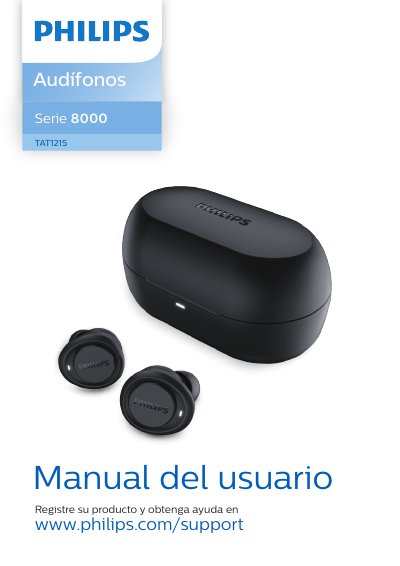
This is the Spanish user manual for the Philips TAT1215 Serie 8000 true wireless earphones. It covers safety and hearing instructions, general information, getting started, using the earphones, resetting, technical data, notices, trademarks and frequently asked questions.
The box contains the Philips TAT1215 earphones, two pairs of replacement rubber ear adapters, a micro USB charging cable, a quick start guide, a global warranty and a safety booklet. The earphones pair with Bluetooth devices, support hands-free calls and music control, and show status through LED indicators and voice prompts. This manual is written in Spanish.
| Storage temperature | -20 °C to 50 °C |
|---|---|
| Operating temperature | 0 °C to 45 °C |
| Relative humidity | max 90 % |
| Initial charging time | 2 hours |
| Auto power-off time | 5 minutes |
| Bluetooth password | 0000 |
| Paired device memory | 1 device |
Turn on Bluetooth on the device and select Philips TAT1215; enter 0000 if a password is requested.
The password is 0000 (four zeros); no password is needed for Bluetooth 3.0 or higher.
They switch off automatically after 5 minutes if no Bluetooth device is connected.
Put both earphones in the charging case and press the button for 4 seconds until the white LED flashes.