
User guide for Philips TAS7505 wireless speaker covering charging, Bluetooth pairing, operation, safety, and troubleshooting.
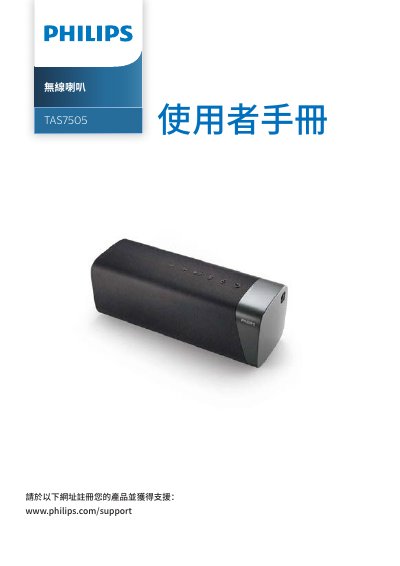
This manual provides step-by-step instructions for using the Philips TAS7505 wireless speaker, including charging the internal battery, connecting via Bluetooth, controlling playback, and setting up stereo pairing with another compatible speaker. It also includes safety precautions, technical specifications, and troubleshooting tips for common issues.
The speaker features a 3.7V 7500mAh lithium battery, 30W output power, Bluetooth 5.0 connectivity, and dimensions of 231 x 87 x 85 mm. It supports A2DP and AVRCP Bluetooth profiles and has a 20-meter range. The manual advises keeping the device away from water, heat sources, and direct sunlight, and warns against disassembling or modifying the unit. This manual is written in Chinese.
| Battery | 3.7 V, 7500 mAh |
|---|---|
| Output Power | 30W |
| Frequency Response | 20 - 20000 Hz |
| Bluetooth Version | 5.0 |
| Bluetooth Range | Approximately 20 m |
| Dimensions | 231 x 87 x 85 mm |
| Weight | 0.86 kg |
Use the included USB cable to connect the USB-C port on the speaker to a 5V 2A power source. The battery indicator will flash red and white while charging and turn off when fully charged.
Turn on the speaker; it will automatically enter Bluetooth pairing mode with the LED flashing white. Enable Bluetooth on your device and select 'Philips S7505' from the list to pair.
Turn on both speakers and press and hold the button on the primary speaker until the LED flashes red and white. The secondary speaker’s LED will remain white when successfully connected. Play music through both speakers.
Restart the speaker. If the issue persists, check that Bluetooth is enabled and the speaker is in pairing mode. Ensure no other Bluetooth devices are connected.