
Dutch user manual for the Philips Soundbar 8000 Series TAB8507, covering setup, connections, operation, settings, specifications and troubleshooting.
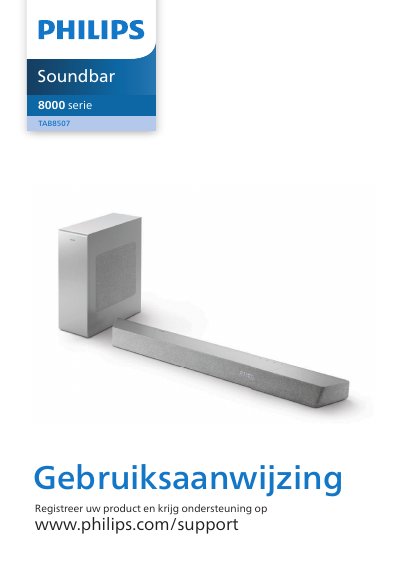
This Dutch-language user manual is for the Philips Soundbar 8000 series, model TAB8507. It begins with important safety instructions, care and environmental disposal information, compliance details and support contacts.
The document then covers the soundbar package contents, connections, wireless subwoofer, remote control, placement and wall mounting. It explains connecting via HDMI, optical and audio-in, power connection and subwoofer pairing, and describes using the soundbar, Bluetooth playback, external devices, USB audio, settings, specifications and troubleshooting. This manual is written in Dutch.
| Product class | Class II, double insulation, without protective earth |
|---|---|
| 5G Wi-Fi operating band | 5150-5350 MHz, indoor use only |
| Minimum RF exposure distance | 20 cm |
You can register your product and get support at www.philips.com/support.
Use only a microfiber cloth.
The minimum distance is 20 cm.
In the 5150-5350 MHz band, the device is intended for indoor use only.