
Spanish user manual for the Philips 5000 Series TAB5105 soundbar, covering safety, setup, connections, operation, wall mounting, specifications, and…
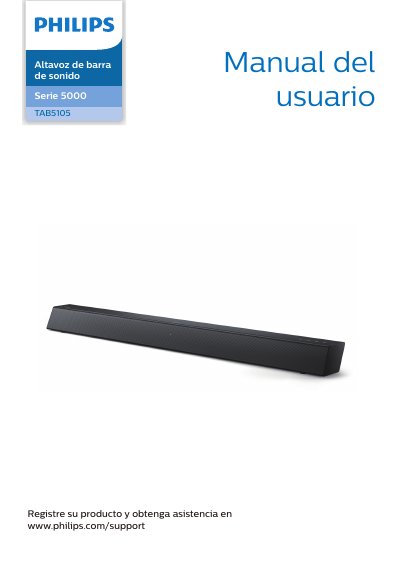
This manual is for the Philips 5000 Series TAB5105 soundbar. It explains safety instructions, environmental and compliance information, box contents, main unit and remote control layouts, connectors, placement, and connection options.
It also covers daily use such as power, volume, source selection, EQ modes, AUX, optical, HDMI (ARC), and Bluetooth playback, plus automatic standby, factory reset, wall mounting, product specifications, and troubleshooting. This manual is written in Spanish.
The box includes the soundbar, remote control, AC adapter, wall mount kit, quick start guide/warranty/safety sheet, AAA batteries, and an EU AC adapter.
The EQ button switches among Movie, Music, and News modes.
Connect an optical cable between the soundbar's OPTICAL port and the TV's OPTICAL OUT port, and set the TV audio output to PCM.
Press BT/PAIR to switch to Bluetooth mode; hold it to disconnect the currently connected Bluetooth device and start a new pairing.