
This user manual provides instructions for setting up, operating, and troubleshooting the Philips SRP5107 universal remote control for up to 7 devices.
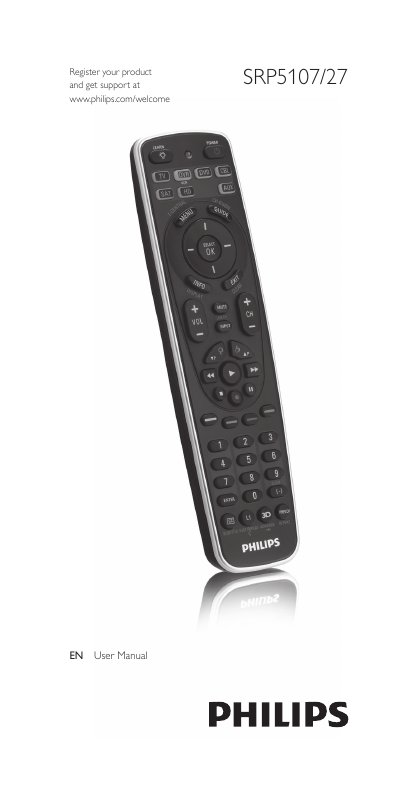
The Philips SRP5107 is a universal remote control designed to operate up to seven different devices, including TVs, DVD players, VCRs, DVRs, and set-top boxes. It features Simple Setup technology to quickly configure the remote for various brands and includes a 'Learn' function to copy codes from original remotes if standard codes fail.
The manual details the process of inserting batteries, testing the remote, and setting it up for specific devices using 4-digit codes or a full database search. It also covers advanced functions such as controlling combo devices, learning new button functions, and performing factory resets.
| Number of devices supported | up to 7 |
|---|---|
| Battery type | 2 AA |
All user settings will be retained in the remote control memory for an unlimited period of time.
Enter '9, 9, 9, 9' to trigger a full database search that may take up to 15 minutes.