
French user manual for the Philips SPZ5000 webcam covering setup, video chat, CamSuite software, specifications and FAQ.
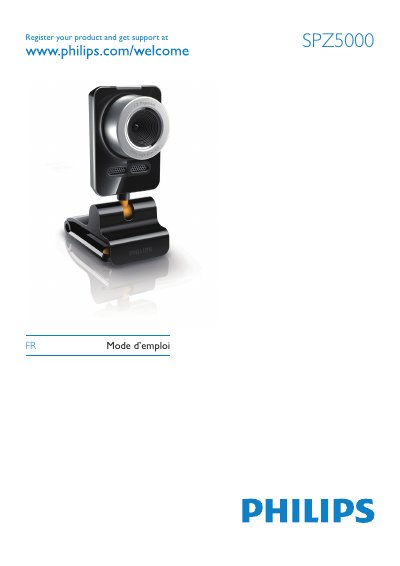
This French-language mode d’emploi for the Philips SPZ5000 webcam explains the package contents, webcam parts, driver and software installation, and connection of the webcam to a PC or laptop. It then describes using the webcam for video chat and the Philips CamSuite and Philips CamSuite Capture software for taking photos, recording and playing videos, using the gallery and uploading videos to YouTube.
The manual also covers Webcam Driver SPZ5000 properties, software updates, technical specifications, troubleshooting FAQ and repair/support information. It lists compatibility with Microsoft Windows XP SP2 or higher, Vista and Windows 7, and with video-chat applications such as Skype, Windows Live Messenger, Yahoo! Messenger, AOL Instant Messenger and QQ. This manual is written in French.
| Supported operating systems | Microsoft Windows XP (SP2 or higher), Vista and Windows 7 |
|---|---|
| Video chat services | Skype, Windows Live Messenger, Yahoo! Messenger, AOL Instant Messenger and QQ |
| Video recording resolution | 640 x 480 (VGA) or lower |
| Power source | USB port on a PC or laptop |
The supplied software works on Microsoft Windows XP (SP2 or higher), Vista and Windows 7.
No. If you select a resolution higher than 640 x 480 (VGA), the record icon is disabled; select a lower resolution to record.
The webcam works with Skype, Windows Live Messenger, Yahoo! Messenger, AOL Instant Messenger, QQ and other VoIP or instant-messaging services.
Aim the webcam, then click the capture button in the Philips CamSuite Capture window. The photo is saved to the photo gallery and the selected photo folder.