
User manual for the Philips SPF4308/SPF4328/SPF4508/SPF4528 Digital PhotoFrame, covering setup, media playback, clock, messages and settings.
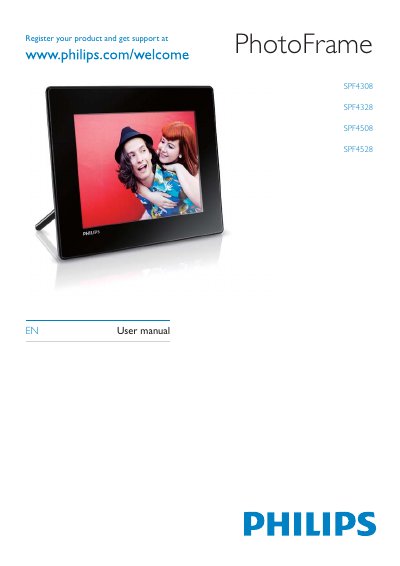
This is the English user manual for the Philips Digital PhotoFrame SPF4308/SPF4328/SPF4508/SPF4528. The SPF4308/SPF4328 models can display JPEG photos and create gift messages; the SPF4508/SPF4528 models also play video clips from a camera and background music for photo slideshows.
The manual covers safety and notices, the PhotoFrame overview and box contents, getting started, playing photos and videos, browsing and managing albums, clock and message features, settings, upgrading the PhotoFrame, product information, FAQs and a glossary.
| Playback mode | Slideshow, wave view, album view |
|---|---|
| Placement supported | Photo auto orientation |
| Buttons and controls | Joystick, home/back button, menu button, power/mode button |
| Clock features | Clock, calendar, set time and date, background music |
| Message features | Create message, view message |
| Color tone | Black and white, Sepia, other colors |
| Screen background | Black, white, grey, auto fit, RadiantColor |
| Card reader | Built-in |
| Progressive JPEG photo resolution | Up to 1024 x 768 pixels |
| Maximum JPEG resolution | 8000 x 8000 pixels |
SPF4508 and SPF4528 can play video clips from a camera.
Press and hold the power button for about 2 seconds.
The box includes the Philips Digital PhotoFrame, stand, and AC-DC power adaptor.
Insert a storage device, select [Copy to PhotoFrame], then select an album on the PhotoFrame to store the media.