
Romanian user manual for the Philips SPC230NC webcam, covering package contents, installation, settings, use and technical specifications.
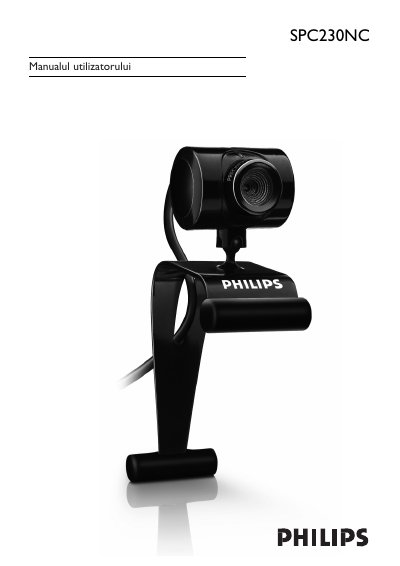
The Philips SPC230NC is a webcam with a VGA CMOS sensor, a focusing ring, a rubber-pad attachment clip, a rotating foot, a snapshot button and a power LED. It connects to a desktop PC or laptop through USB and takes its power from the USB connection; SPC230NC/00 and SPC230NC/27 versions include an external microphone.
This Romanian user manual covers the package contents, function descriptions, safety precautions, copyright, webcam software installation, connecting the webcam to a PC or laptop, general and image settings, using the webcam for video viewing and instant messaging, technical specifications, and important notices including FCC compliance.
| Sensor | VGA CMOS |
|---|---|
| Real video resolution (max.) | 640 x 480 |
| Interpolated video resolution (max.) | 1,3 MP |
| Frame rate | 30 cps |
| Viewing angle | 50 degrees |
| Interface | USB 1.1, USB 2.0 |
| USB cable length | 1,5 m |
| Microphone | External microphone supplied (SPC230NC/00, SPC230NC/27) |
| Power | via USB cable |
The box includes the Philips SPC230NC webcam, an installation CD-ROM, an external microphone on SPC230NC/00 and SPC230NC/27 versions, and a manual.
The supplied software runs on Microsoft Windows 98SE, ME, 2000, XP and Vista.
No. The webcam draws power from the laptop or desktop PC through the USB connection.
Run the installation CD-ROM first, then connect the webcam to the PC or laptop's USB port.