
French user manual for the Philips VIBE SA2VBE04, SA2VBE08 and SA2VBE16 portable players: safety, setup, Songbird, music, radio, settings.
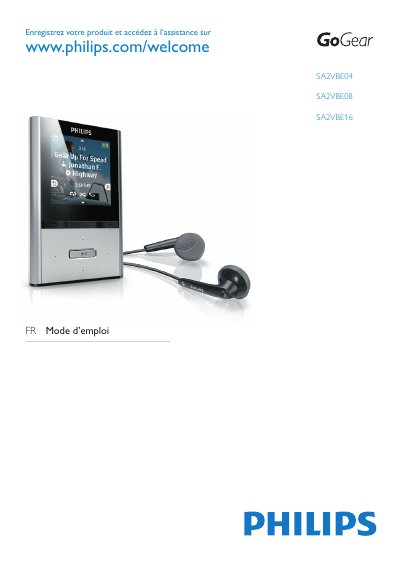
This is the French user manual (Mode d'emploi) for the Philips VIBE portable player in versions SA2VBE04, SA2VBE08 and SA2VBE16. It starts with important safety information, general care, hearing safety and recycling of the product and its built-in battery, then describes the box contents, the controls and connections, the main menu, charging and the software and files loaded on the device.
The rest of the manual covers updating VIBE, switching it on and off, automatic shut-off and button lock, the Philips Songbird software and its media library, and the playback functions: music, audiobooks with bookmarks, video, pictures with slideshow, FM radio, sound recordings, using VIBE to carry data files, settings, technical data with minimum system requirements, and a glossary. This manual is written in French.
| Operating temperature | 0 to 35 °C |
|---|---|
| Storage temperature | -20 to 45 °C |
Use the device in a place where the temperature is always between 0 and 35 °C, and store it between -20 and 45 °C.
Philips points users to www.philips.com/welcome for user manuals, the latest software updates and the FAQ.
Spare parts and accessories can be ordered from the Philips support page at www.philips.com/support.
No, Philips asks users to manage files (transfer, delete, etc.) only with the supplied audio software to avoid problems.