
This manual provides instructions for the Philips S6305 wireless speaker, covering setup, Bluetooth pairing, stereo mode, and troubleshooting.
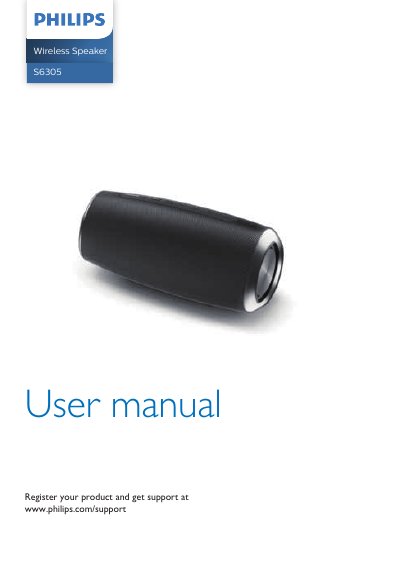
This user manual for the Philips S6305 wireless speaker guides users through product registration, safety precautions, and initial setup. It details how to charge the built-in battery, turn the device on and off, and connect it to Bluetooth-enabled devices or external audio sources via a 3.5mm cable.
The guide also explains how to utilize the multi-color LED light feature, pair two identical speakers for stereo sound, and charge external devices. Finally, it provides a troubleshooting section for common issues such as no power, no sound, or poor Bluetooth connection quality.
| Power supply | 5V 3A |
|---|---|
| Battery | 7.4V, 4400mAh |
| Dimensions | 230 x 100 x 100 mm |
| Weight | 1 kg |
| Signal to noise ratio | > 70 dB |
| Bluetooth version | 5.0 |
| Bluetooth range | approx. 20 m |
| USB charging out current | 5V 2A |
Press the power button to turn on the speaker; it will enter pairing mode automatically. Alternatively, press and hold for 2 seconds.
Power on both speakers, then press and hold the button on the primary speaker until the LED indicator blinks blue and green alternately.
The speaker will turn off automatically as a power-saving feature.