
Philips PicoPix Max PPX620 mobile projector quick start guide covering connections, remote control, screen mirroring setup, home screen and support contacts.
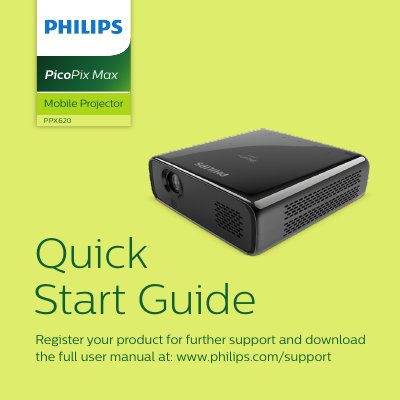
This quick start guide introduces the Philips Mobile Projector PPX620 PicoPix Max, part of the PicoPix Collection. It shows the connections (HDMI, Micro SD and USB-C video and power ports), the remote control layout, and the basic setup steps, including how to start screen mirroring from an Apple or Android device via PicoPix › Screen Mirroring. It also covers focusing the picture, the home screen with Applications, Settings and App Store, and the charging indicators.
The back of the booklet contains the simplified EU declaration of conformity issued by Screeneo Innovation SA, a repair/warranty form, a list of country hotlines plus international customer support contacts, and the FCC statement with the device's FCC ID. The guide directs users to www.philips.com/support to register the product and download the full user manual.
| Connections | HDMI, Micro SD, USB-C (video), USB-C (power) |
|---|---|
| FCC ID | 2ASRT-PPX620 |
| EU compliance directives | 2014/53/EU, 2009/125/EC, 2011/65/EU |
| Warrantor | Screeneo Innovation SA, 1131 Tolochenaz, Switzerland |
Register your product and download the full user manual at www.philips.com/support.
On an Apple or Android device, select PicoPix › Screen Mirroring during easy setup.
Screeneo Innovation SA is the warrantor in relation to the product with which this booklet was packaged.
General support in English, German and French is available at [email protected] and www.philips.com/support.