
This manual provides installation, operation, image optimization settings, and troubleshooting instructions for the Philips Momentum 279M1 monitor.
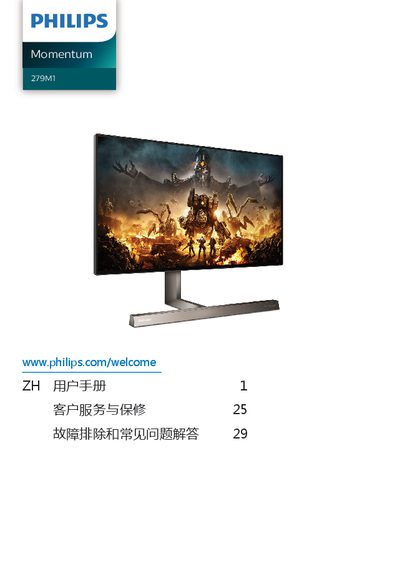
The Philips Momentum 279M1 is a display device designed for computer use. This user manual covers essential safety information, setup procedures including base installation and cable connections, and various operational features such as MultiClient KVM and MultiView integration.
The guide also details image optimization tools like SmartImage, SmartContrast, HDR, and Adaptive Sync, along with the Ambiglow feature. It includes technical specifications, power management settings, customer service information, and a troubleshooting section for common issues. This manual is written in Chinese.
| Operating Temperature | 0-40ºC (32-104ºF) |
|---|---|
| Operating Humidity | 20-80% RH |
You must activate the screen saver or screen refresh application to prevent image retention, as this damage is not covered by warranty.
No, oil-based cleaning solutions may damage plastic parts and void the warranty.