
The Philips Momentum 272M1 monitor user manual provides setup, safety, image‑optimization, and troubleshooting instructions.
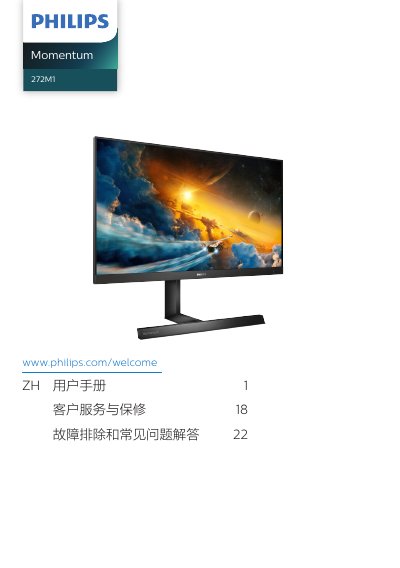
This manual guides users through safe installation, operation, and maintenance of the Philips Momentum 272M1 27‑inch IPS monitor. It includes safety warnings, wiring instructions, OSD navigation, and recommended settings such as SmartImage, HDR, and Ambiglow.
Technical specifications, power‑management details, warranty information, and a comprehensive troubleshooting & FAQ section are also provided to help resolve common issues like no picture, image retention, or audio problems. This manual is written in Chinese.
| Panel type | IPS |
|---|---|
| Backlight | W‑LED |
| Screen size | 27" (68.5 cm) |
| Aspect ratio | 16:9 |
| Native resolution | 1920 × 1080 @ 60 Hz |
| Typical contrast ratio | 1000:1 |
| Refresh rate range | 48 Hz – 240 Hz |
| Color gamut | sRGB |
| Low‑Blue mode | Yes |
| Ambiglow | Yes (4‑side) |
| AMD FreeSync | Yes |
| Connectivity | HDMI 2.0 × 2, DisplayPort 1.4, USB‑B × 1, USB 3.2 × 4 (incl. charging) |
| Typical power consumption | 34.7 W (normal operation) |
| Stand tilt range | -5° to +20° |
| Stand rotation range | -30° to +30° |
| Height adjustment | 130 mm |
Wipe the screen with a slightly damp soft cloth; for deeper cleaning use isopropyl alcohol, but avoid organic solvents such as ethanol or acetone.
Set the display to its native resolution of 1920 × 1080 @ 60 Hz for optimal performance.