
This user manual for the Philips Moda 275C5 monitor provides installation instructions, operation guides, image optimization settings, and troubleshooting tips.
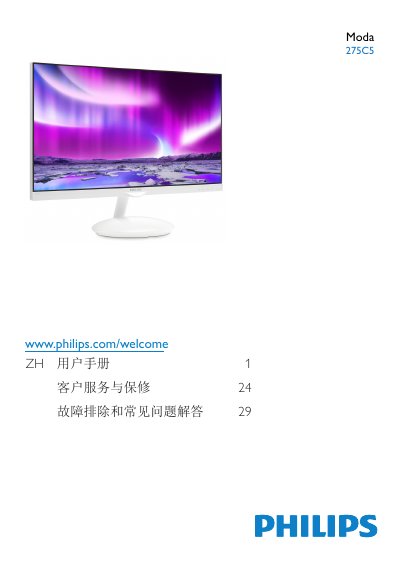
The Philips Moda 275C5 is a flat-panel LCD display designed for computer use. This user manual covers essential safety information, setup procedures including connecting VGA and HDMI inputs, and operating the On-Screen Display (OSD) menu to adjust picture quality and audio settings.
Key features described include SmartImage technology with seven preset modes (Text, Office, Photo, Movie, Game, Economy), Ambiglow Plus backlighting effects, MHL support for mobile devices, and various power management options. The guide also details technical specifications, regulatory compliance information, warranty terms, and a troubleshooting section for common issues. This manual is written in Chinese.
| Native Resolution | 1920 x 1080 @ 60 Hz |
|---|
The monitor performs best at its native resolution of 1920 x 1080 @ 60 Hz.
The monitor performs best at a native resolution of 1920 x 1080 @ 60 Hz.