
Quick start guide for the Philips MCM166 Hi-Fi system covering setup, clock, disc, USB, and radio.
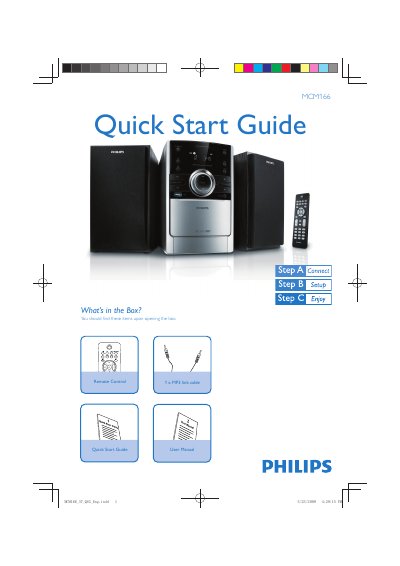
This quick start guide is for the Philips MCM166 Hi-Fi system. It lists the items included in the box and shows how to connect the speaker cables and AC power cord.
It also explains how to set the clock, play a disc, play audio files from a USB device, and listen to FM or MW radio. Detailed play features and additional functions are described in the supplied user manual.
| USB standard | USB 2.0 or USB 1.1 |
|---|---|
| Supported USB devices | USB flash memory, USB flash players, memory cards (with additional card reader) |
The box includes a remote control, quick start guide, user manual, and one MP3 link cable.
Press and hold CLOCK (or CLOCK/DISPLAY on the remote control), use PROG to choose 12 or 24 hour format, then set the hour and minute with §/∞ (or 5/6) and confirm with CLOCK.
Select the disc source, lift the top panel to open the disc tray, insert a disc with the printed side facing up, close the tray, then press play; press 9 to stop.
Press SOURCE (or TUN on the remote control) repeatedly to select FM or MW, press PROG for more than two seconds to program all available stations, then use PRESET/ALBUM +/- to select a preset number.