
User manual and quick start guide for the Philips MCM119 Hi-Fi system, covering setup, disc playback, clock settings, and USB usage.
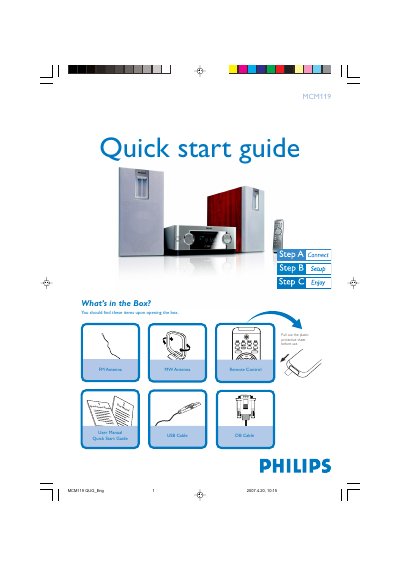
The Philips MCM119 is a Hi-Fi system featuring CD playback, radio tuning, and USB connectivity. This document provides instructions for initial hardware connection and basic operation.
Key functions include setting the system clock, programming radio stations, and playing audio files from USB mass storage devices such as flash memory and flash players.
| USB Compatibility | USB 2.0 or USB 1.1 |
|---|
The box includes an FM antenna, MW antenna, remote control, user manual, quick start guide, USB cable, and DB cable.
Press OPEN•CLOSE to open the tray, load the disc with label side up, then press OPEN•CLOSE again to close it, and press ÉÅ to start playback.
In standby mode, press and hold DISPLAY/CLOCK for more than 3 seconds, then use VOLUME +/- to set hour and minute, and press DISPLAY/CLOCK again to store the setting.
USB flash memory (USB 2.0 or USB1.1), USB flash players (USB 2.0 or USB1.1), and memory cards (with an additional card reader).