
User manual for the Philips Pocket Memo LFH9380/01, covering battery setup, memory card, recording, playback, menu settings and technical data.
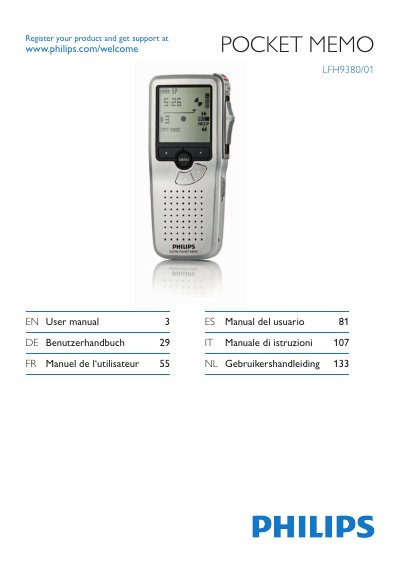
This is the user manual for the Philips Pocket Memo LFH9380/01. It explains the controls, connections and display symbols, then walks through getting started: installing the two AAA batteries, charging rechargeable batteries over USB, inserting and formatting an SD/SDHC memory card, and setting the language, date and time on first use.
The manual then describes everyday use - creating recordings, adding to a recording, locking a finished file, changing the recording format, adjusting microphone sensitivity, playback and deleting files or parts of recordings - followed by the menu, voice-activated recording, index marks, author names, the SpeechExec software and the technical data. The printed document contains the same manual in several languages.
| Memory card support | SD memory card slot; SDHC cards with storage capacities up to 32 GB |
|---|---|
| Batteries | Two AAA rechargeable batteries (Philips LFH9154) or two AAA alkaline batteries |
| USB recharge time | About 2.5 hours on a high-powered USB port |
| USB power requirement for quick charge | 500 mA |
| Recording file format | .dss |
| Optional accessories | Philips Power Supply 9146 and USB Docking Station 9120 |
The device operates with an SD (SecureDigital) memory card and supports SDHC cards with storage capacities of up to 32 GB.
When connected to a high-powered USB port on a computer, a complete recharge cycle takes about 2.5 hours.
When a new, unformatted card is inserted, the Pocket Memo prompts you to format it; press the OK smart button to confirm and start formatting, or press CANCEL (or remove the card) to cancel.
Press the + or – button to select a language and press the OK smart button to confirm the selection.