
User guide for Philips SpeechExec software with hardware compatibility instructions and setup steps.
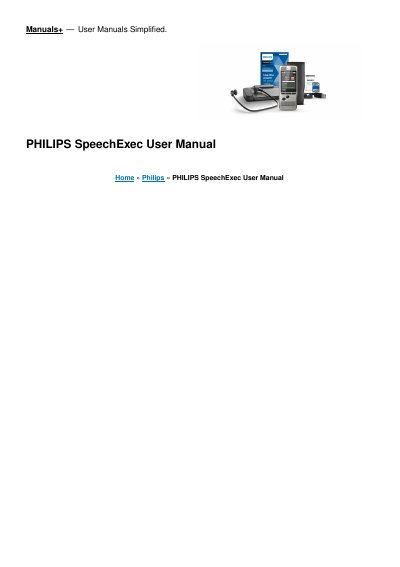
This manual provides step-by-step instructions for installing and using Philips SpeechExec software, including setup of hardware devices like foot controls and headphones. It covers transcription, email integration, settings, and troubleshooting for dictation workflows.
The guide also explains how to configure the software for use with Philips hardware such as SpeechMike, Pocket Memo, and SpeechAir, and includes details on using SpeechLive for cloud-based dictation management. This manual is written in Chinese.
| Product key | Subscription product key (starting with “STBI-112-…”) |
|---|
Use the Foot Control Configuration Wizard to change pedal functions. Default functions include fast forward, continuous playback, fast rewind, and finish dictation.
Philips SpeechLive is a cloud dictation solution that allows you to store, access and share dictation files from anywhere in the world and around the clock while guaranteeing maximum file security.
Download the installation file from www.speechexec.com/install, unzip it, start setup.exe, click Yes when asked to allow changes, and follow the on-screen instructions.
It allows you to manage the dictation file list, define dictation properties, and change various settings.