
Philips LC4.2E AA 5.5 Television Service Modes, Error Codes, and Fault Finding

Service manual chapter for the Philips LC4.2E AA 5.5 television covering service modes, error codes, and fault finding.
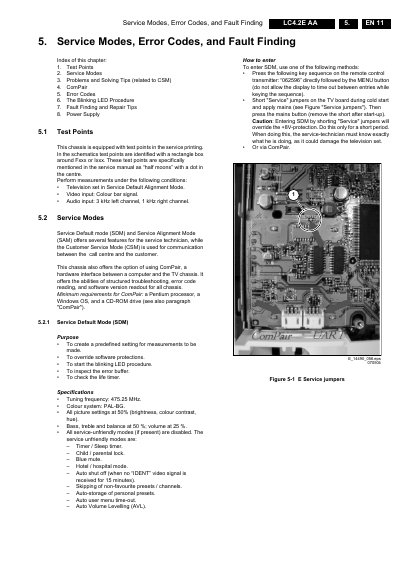

Philips LC4.2E AA 5.5 Television Service Modes, Error Codes, and Fault Finding - cover page
Brand
Philips
Category
Television
Document type
Service Manual
Language
English
Pages
7
File format
PDF
File size
102 KB
Published
23 November, 2026
Updated
23 November, 2026
MD5 checksum
039D43C852B806AB0DCDEA7EE8FAD186

About this manual

This chapter is for service technicians working on the Philips LC4.2E AA 5.5 television. It covers test points, Service Default Mode, Service Alignment Mode, Customer Service Mode, ComPair, error codes, the blinking LED procedure, fault finding and repair tips, and the power supply.

It includes procedures for entering and exiting service modes, navigating menus, storing settings, reading error buffers, and troubleshooting picture problems related to Customer Service Mode.

What's inside

  • Test Points
  • Service Modes
  • Service Default Mode
  • Service Alignment Mode
  • Customer Service Mode
  • Problems and Solving Tips
  • ComPair
  • Error Codes
  • Blinking LED Procedure
  • Fault Finding and Repair Tips

Frequently asked questions

How do I enter Service Default Mode?

Press 062596 followed by MENU, short the Service jumpers during cold start, or use ComPair.

How do I enter Customer Service Mode?

Press 123654 on the remote control transmitter.

Can settings be changed in Customer Service Mode?

No, Customer Service Mode is read-only and modifications are not possible.

How do I exit Service Default Mode?

Switch the set to standby by pressing the mains button.

Download PDF (102 KB)

More Philips Manuals


View all Philips manuals →