
Philips HTS9221/HTS9241 home theater system user manual covering connections, disc and USB playback, network features, settings and software updates.
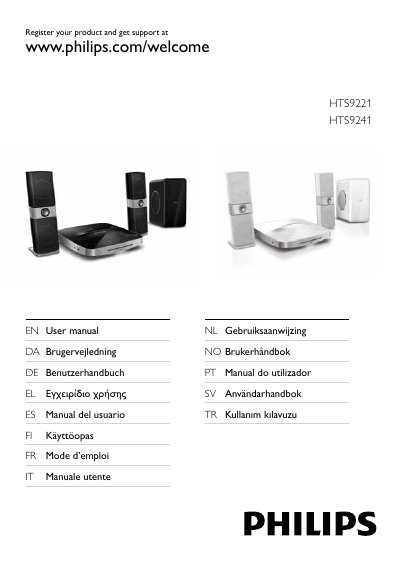
This is the Turkish user manual for the Philips HTS9221/HTS9241 home theater system. It explains how to use the on-screen help, get support and download the latest help version to a USB flash drive, and it includes the notice section with open source software and trademark information.
The manual covers the main unit and remote control, connecting the speakers, connectors, the TV, audio from the TV and other devices, computers and the Internet, and naming the home theater system. Later chapters describe using sound, discs, USB storage devices, DivX, audio/video/picture options, radio, an MP3 player, iPod/iPhone and smartphone, DLNA, Net TV and online video rental, EasyLink, changing picture, sound, language, parental control and energy saving settings, software updates, product specifications and troubleshooting. This manual is written in Turkish.
Press the HELP button (the yellow button) on the remote control to access the on-screen help.
Go to www.philips.com/support, follow the instructions to select a language, and enter your model number to download the PDF version of the user manual.
Press the Home mode button, select [Setup], then select [Advanced] > [Version Info] and press OK.
You need a USB flash drive of at least 35MB formatted in FAT or NTFS, a PC with Internet access, and a ZIP archive utility; do not use a USB hard disk.