
Philips HTS5520/HTS5530 home theater user manual covering setup, connections, disc and USB playback, radio, settings, software updates, and troubleshooting.
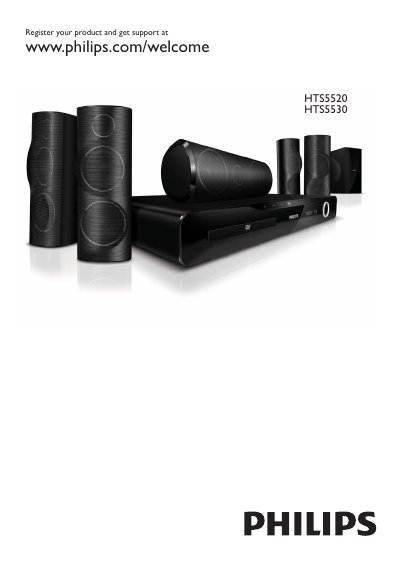
The Philips HTS5520/HTS5530 user manual describes the home theater's main unit and remote control, including disc, USB, radio, and audio source controls. It also explains how to connect the system to a TV or other devices and how to play discs, USB storage, radio, and MP3 players.
The document includes safety and product-care notices, disposal information, setup menu settings for general, audio, video, and preferences, software update instructions from CD-R or USB, and troubleshooting.
| Software update media | CD-R or USB |
|---|---|
| Radio band | FM |
Register your home theater at www.philips.com/welcome.
Press the RADIO source button to switch to FM radio.
Press SETUP to access or exit the setup menu.
You can update software from a CD-R or USB.