
The Philips HTB3560K Home Theater User Manual provides safety instructions, setup steps, and operating guidance for the home theater system.
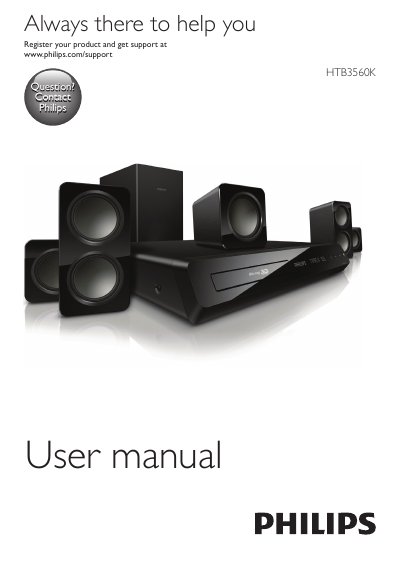
This user manual covers the Philips HTB3560K home theater system, including important safety information, product overview, and connection procedures. It explains how to connect speakers, TV, and other devices, set up the home network, and use features such as discs, USB storage, radio, and DLNA.
The manual also describes remote control functions, settings for language, picture, audio, and parental control, software updates, troubleshooting, and product specifications.
Register your product at www.philips.com/welcome to receive support and software upgrade notifications.
Disconnect it from the power outlet immediately and contact Philips Consumer Care to have the product checked before use.
Press the Standby-On button on the main unit or remote control.